
Hello World
Welcome to Hexo! This is your very first post. Check documentation for more info. If you get any problems when using Hexo, you can find the answer in troubleshooting or you can ask me on GitHub. Quick StartCreate a new post1$ hexo new "My New Post" More info: Writing Run server1$ hexo server More info: Server Generate static files1$ hexo generate More info: Generating Deploy to remote sites1$ hexo deploy More info: Deployment

博客使用指南
My Blog - 博客写作指南快速开始12345678910cd ~/blog# 1. 创建新文章hexo new "文章标题"# 2. 编辑文章(Markdown 格式)vim source/_posts/文章标题.md# 3. 生成并部署hexo clean && hexo g 文章写作指南1. 文章 Front-matter 配置1234567891011---title: 文章标题tags: [标签1, 标签2]categories: 分类cover: /img/cover.jpg # 文章封面图(相对路径或URL)top_img: /img/banner.jpg # 顶部大图abstract: 文章摘要 # 首页显示的摘要toc: true # 显示目录comments: true # 开启评论date: 2026-07-15 09:00:00 # 日期时间--- 2. 参数说明 参数 必填 说明 tit...
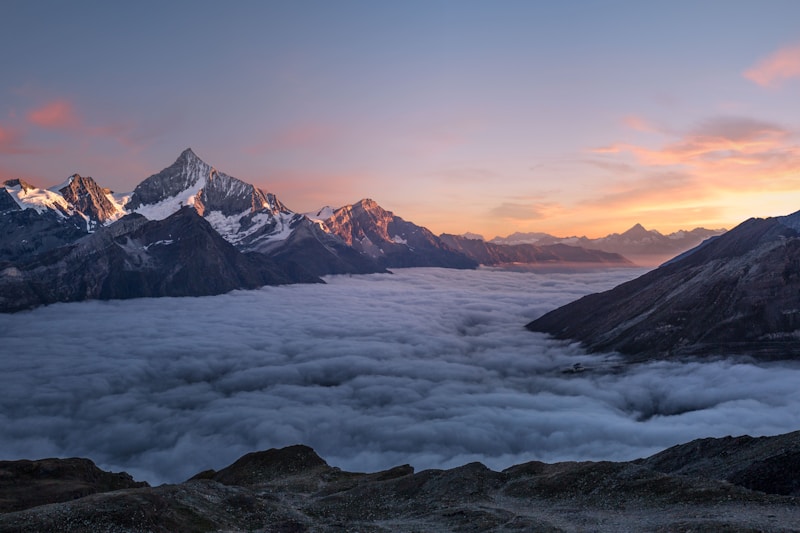
我的第一篇图文博客
欢迎来到我的博客 🎉这是一篇图文混排的示例文章。 带图文的正文 上面的图来自 Unsplash,展示了美丽的自然风光。 代码展示博客也支持代码高亮: 12def hello(): print("Hello, World!") 列表功能 item 1 item 2 item 3 引用块 这是引用内容,可以用来展示名人名言或者重要提示。 希望你喜欢这个博客主题!后续我会分享更多技术文章。